
Introduction
The following article describes how to change your computer login password from your computer. Please note that this process would need to be completed while you are on-site at your organization, or connected to your organization's client VPN. If your organization uses Same Sign-On between your computer and Office 365, it can take time for all the systems to synchronize in the background and can cause up to an hour delay for accessing email.
Procedure
- On your laptop or a shared desktop, press Ctrl + Alt + Delete

- Click Change a Password
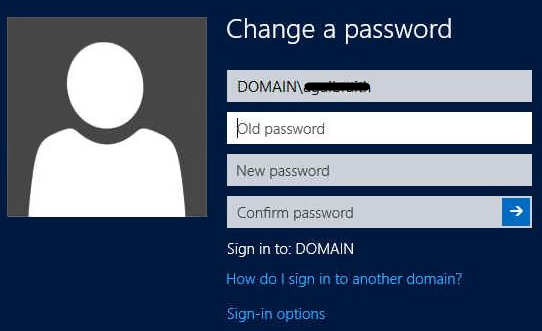
- Enter your current password in Old password
- Enter your new password in both the New password and Confirm password fields
Comments
0 comments
Please sign in to leave a comment.